
Buy Dragon Fury Points: How Prepaid Reloads Work
Published · Gamebridge API
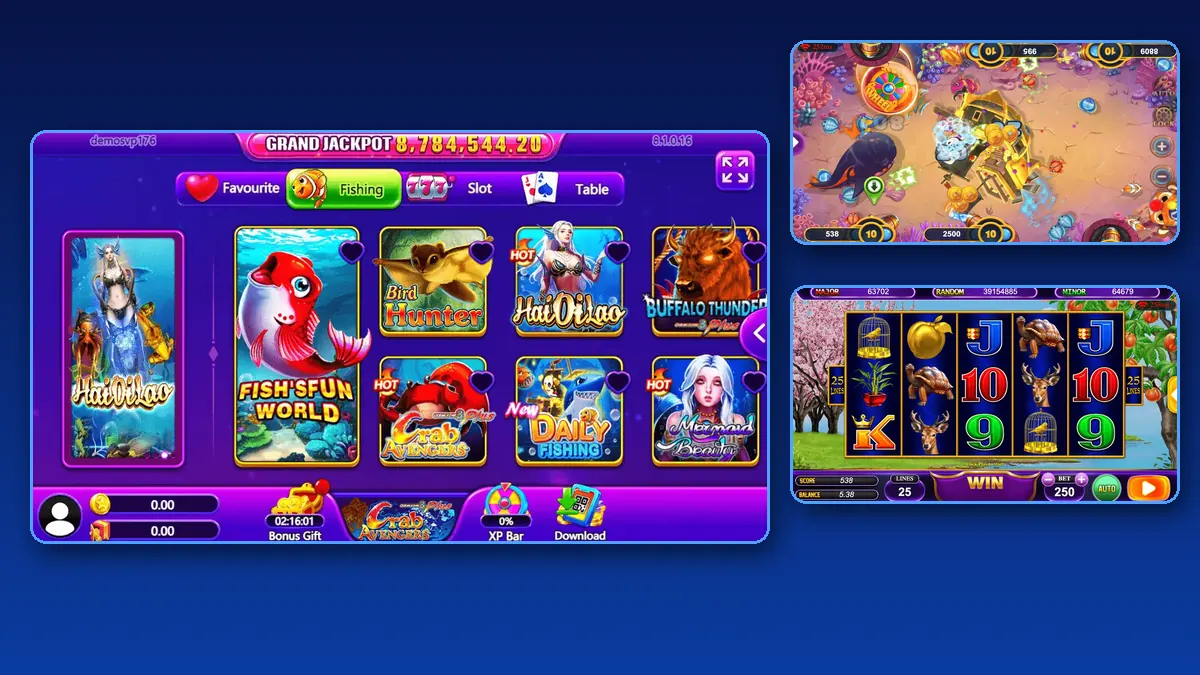
Short answer: to buy Dragon Fury points, you ask a supplier for an empty Dragon Fury login, sign in and check it, then pay up front for the balance you want. The supplier loads those points into your admin panel, and you pass them on to players or to sellers below you. Nothing is sold on credit. The rest of this guide covers order size, how a load is confirmed, how to reload before you run out and the mistakes that cost new agents money.
What you are actually buying
Dragon Fury points are your stock. They sit as a balance inside your Dragon Fury admin panel, and every point you move to a player comes out of it. When the balance hits zero, you cannot top up anyone until you reorder.
So you are not buying a game licence or an app. You are buying prepaid credit on a seat that already exists. Agents spend that credit on their own players. Higher seats, such as sub-distributor and distributor, can also pass it down to stores and sellers. Our Dragon Fury sub-distributor guide explains that middle level.
Check the empty login first
Before money changes hands, you should be holding a working login with a balance of zero. That is how we work with every client, and it is a fair test of any supplier.
- Open the admin page your supplier names and sign in. For our clients that is pccnz.dragonfury.club.
- Change the password the moment you are in.
- Look at the balance line. It should read zero on a brand new seat.
- Make one test player and open the Dragon Fury app or browser lobby with it.
- Write down your seat level so you know which menus you should see.
If any step fails, sort it out now. Paying first and testing later puts you in a weak spot. Our Dragon Fury admin account walkthrough shows each menu in more detail.
How an order goes, step by step
Once the login checks out, the purchase itself is short.
- Tell your supplier the amount of points you want and the username of your seat.
- Get the price for that amount in writing, in chat.
- Pay using the method you agreed on. Keep the receipt.
- Wait for the load message from your supplier.
- Refresh your panel and compare the balance with the amount on your receipt.
- Load a small amount to your test player to confirm the points move.
Only start serving real players after the last step works. If the balance is off, raise it straight away while the receipt and chat are fresh.
Choosing your first order size
No single figure suits everyone, yet a few questions narrow it down fast. Start from how many players you already have, not how many you hope to have.
- Count active players, meaning people who will play this week.
- Think about your busiest nights. Weekends usually move more points than weekdays.
- Leave room for a mistake. A first order that is too big locks money in a game you are still learning.
- Check the minimum. Our current Dragon Fury promo starts at 5,000 points.
Many new agents start near the minimum, see how fast it moves for two weeks, then size the next order from real numbers.
Reloading before you run dry
The worst moment to reorder is when a player is waiting. Pick a low-balance mark that fits your pace, and reorder when you reach it rather than at zero.
Keep a short daily log: opening balance, loads, redeems and closing balance. Compare it with the history screen in the panel each night. A gap of even a few points is easier to find on the same day than at the end of the month.
Ask your supplier what hours they load in your time zone. Our agents sit in many countries, from Nepal and Pakistan to the Philippines and Nigeria, so knowing the shared hours helps you time each reorder.
Old Vblink balances
Vblink, also called VPower, became Dragon Fury, and new top-ups are done on Dragon Fury only. A Vblink username and password will not sign you in to the Dragon Fury panel.
What happens to leftover Vblink points depends on the supplier above you. Some offered transfers only to certain account levels. Ask before you plan around an old balance, and get the answer in writing. For the player side of the move, read our Vblink to Dragon Fury switching guide.
Mistakes that cost agents money
- Paying someone from a group chat who will not open an empty login first.
- Trusting a screenshot of a balance instead of checking your own panel.
- Sharing one password between several helpers, so nobody can tell who moved what.
- Skipping the log, then arguing over a balance weeks later with no record.
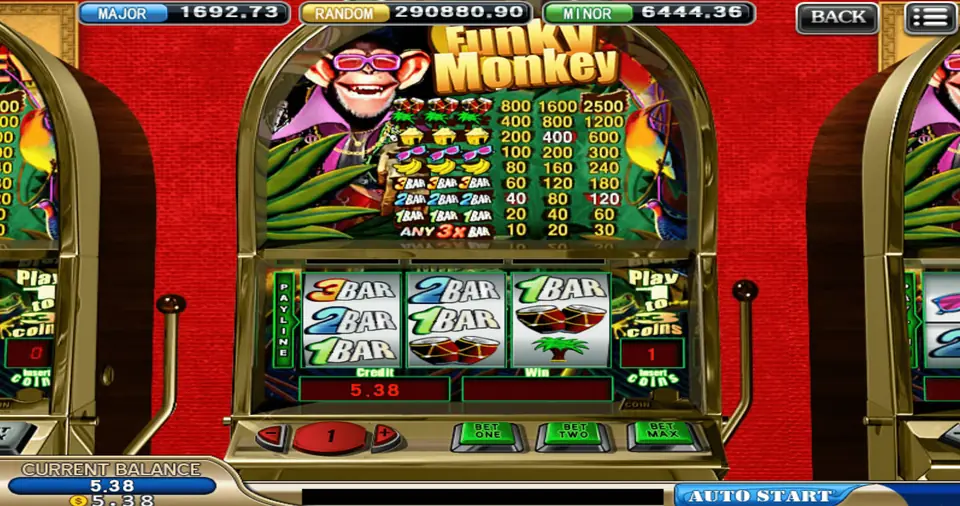
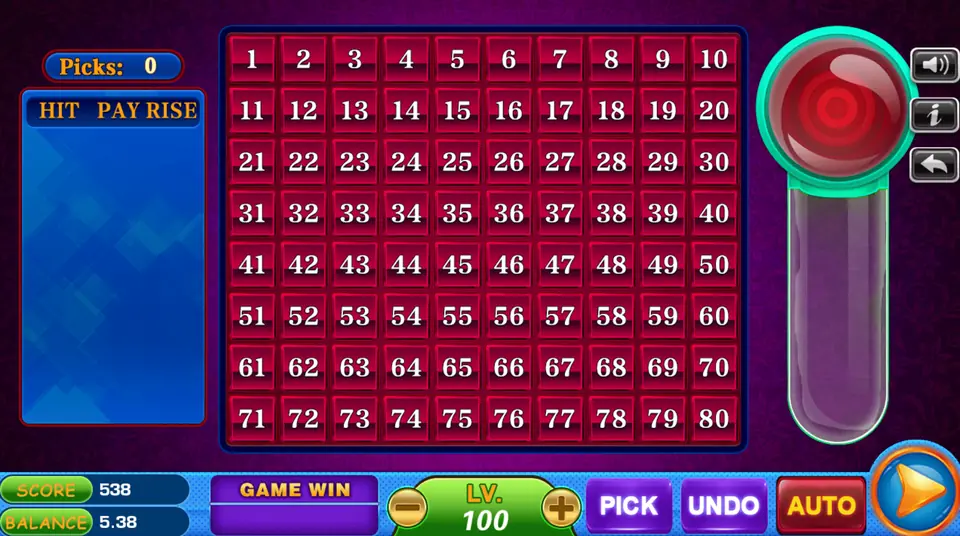
- Buying for a game you have not tested on a real phone yet.
Each one is avoidable with a few minutes of care before you pay.
Is there Dragon Fury news this week?
We looked for fresh Dragon Fury news on November 4, 2026, before publishing. The most recent item was a November 2 guest piece on Yogonet about the move from VBlink to Dragon Fury, which our Dragon Fury new version guide already covers. Its core advice fits buying points too: confirm the account and the purchase process with your supplier instead of assuming an old setup carries over.
We found no new price notice, panel move or app release in the last few days, so treat this page as an evergreen guide.
Buy Dragon Fury points from us
Our running Dragon Fury promo is 10%, with orders from 5,000 points. The rate is confirmed in chat each time you order. Message us for price on anything outside the promo.
Every new client gets an empty Dragon Fury login to test before paying, and every order is prepaid. Specs, screenshots and the game list sit on our Dragon Fury distributor page. To compare seat levels, see distributor accounts or the become an agent page, and keep the official sign-in address handy on our backend links page.
See prices, backend details and screenshots on our Dragon Fury distributor page.
FAQ
How do I buy Dragon Fury points?
Get an empty Dragon Fury login from a supplier, sign in and test it, then pay up front for the amount you want. The supplier loads the points into your admin panel.
What is the minimum Dragon Fury points order?
On our current Dragon Fury promo the minimum is 5,000 points. We confirm it in chat before you send any payment.
Can I buy Dragon Fury points on credit?
Not from us. Every order is prepaid. You test your empty login first, so the money only moves once the seat works.
Do my old Vblink points move to Dragon Fury?
It depends on your supplier and account level. Ask before you count on it, and keep the answer in writing.
How do I contact you to buy Dragon Fury points?
Send an email to info@gamebridgedistributor.com, or use WhatsApp or a call to +1 (724) 466-2790, and tell us how many points you need. Message us for price.
More guides
- Game Vault Backend Login: Captcha, Lockouts and Fixes
- Orion Stars Backend Login: Agent Sign-In Help
- Juwa Backend Login: Fixes When the Panel Won't Open
- Dragon Fury New Version: An Agent Update Checklist
- Create a Fire Kirin Account: How Agents Set Up Players
- Orion Stars Redeem: How Agents Handle Cash-Outs
- Create a Game Vault Account for Players: Agent Guide
- Orion Stars New Version: What Agents Should Do
- How to Become a Fire Kirin Agent: First Steps
- Panda Master New Version: What Agents Should Check
- Game Vault New Version: An Update Checklist for Agents
- Juwa New Version: Update or Juwa 2.0? Agent Guide
- Orion Stars Cashier Account: Staff Logins for Agents
- How to Become a Dragon Fury Agent in 2026
- Fire Kirin Sub Distributor: Running a Small Team
- Buy Panda Master Points: A Safe Guide for Agents
- Buy Orion Stars Points: How Agents Restock Safely
- Juwa Sub Distributor: How to Supply Your Own Stores
- How to Become a Game Vault Agent: 2026 Steps
- Dragon Fury Sub Distributor: Supplying Your Own Agents
- Panda Master VIP: What Agents Need to Know
- Fire Kirin New Version: What Agents Should Check
- Buy Juwa Points: A Prepaid Guide for Agents
- Game Vault Sub Distributor: Running a Seller Team
- Orion Stars Sub Distributor: Account Guide for 2026
- Dragon Fury Admin Account: Setup Guide for Agents
- Panda Master Sub Distributor: How the Account Works
- Buy Fire Kirin Points: A Safe Guide for Agents
- Juwa 2.0 Agent Account Setup: Your First Week
- Juwa vs Juwa 2.0: Which Should Agents Run?
- Game Vault 999 vs 777: What Agents Should Know
- How to Become an Orion Stars Agent: Step-by-Step
- How to Become a Panda Master Agent: 2026 Guide
- Vblink to Dragon Fury: Switching Guide for Agents
- How to Become a Fire Kirin Distributor in 2026
- How to Become a Juwa Agent or Distributor
- How to Buy Game Vault Points as a Distributor
- Fire Kirin Backend: How Agent Accounts Work
- Distributor vs Sub Distributor vs Store vs Agent
- Starting With Orion Stars: Setup Walkthrough for Partners