
Fire Kirin New Version: What Agents Should Check
Published · Gamebridge API
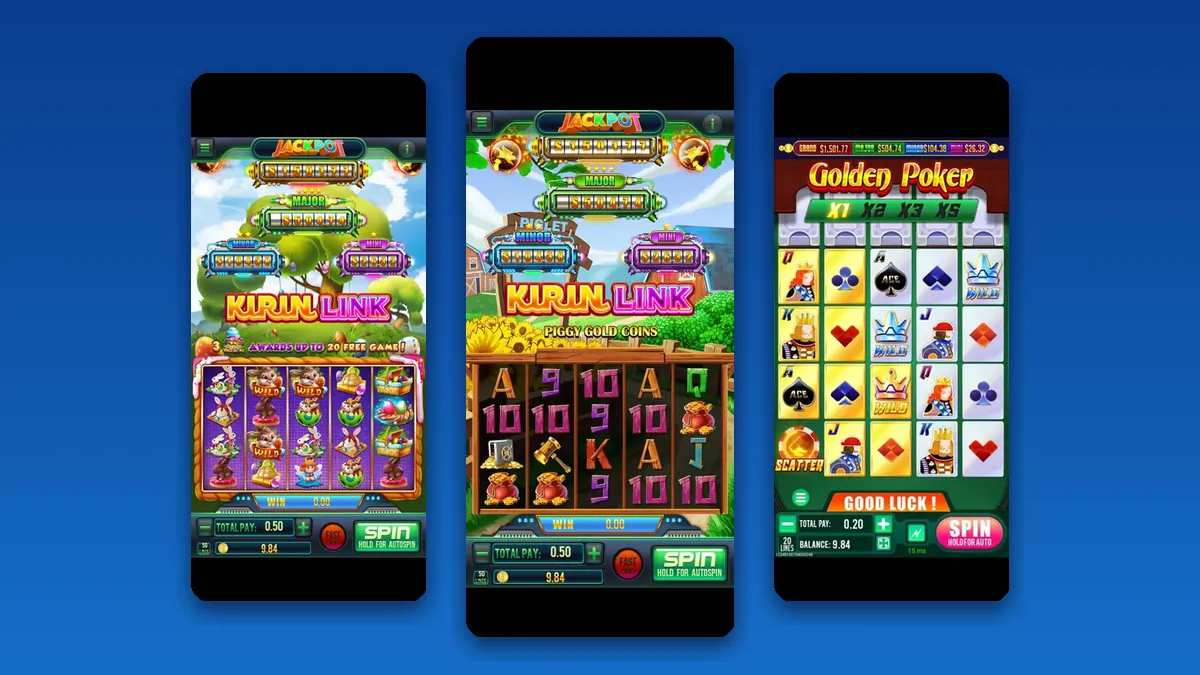
Short answer: when someone says there is a Fire Kirin new version, do not forward the first download link you see. Ask your supplier for the current player link, install it on your own phone, log in with a test player and check the games and balance. Only then send it out. A new app build changes the player side. Your agent backend, your points and your player logins normally stay the same. This guide shows how to check an update in a few minutes and keep players away from copycat apps.
What a "new version" usually means
On Fire Kirin, the word update covers a few different things. Players rarely know which one they mean, so it helps to ask.
- A fresh app build. The download file changes and players need to reinstall or update.
- New games in the lobby. The app stays the same, but new tables or slots appear after a restart.
- A new web address. The browser version or the agent panel moves to a different link.
- A look-alike app. Someone else publishes an app with the Fire Kirin name. This is not an update at all.
The first three are normal. The last one is the reason to slow down before you share anything.
Why version numbers online never match
Search for the latest Fire Kirin version and you will find many download sites. They list different version numbers, file sizes and developer names. None of them speak for the game or for your supplier.
We saw this ourselves while writing. On October 27, 2026, one APK listing site showed a "latest version v3.1" entry dated that same day. An earlier copy of the same listing in search results had the same v3.1 dated September 21. The number stayed put while the date moved.
AppBrain, an app data site, tracks an Android app called Fire Kirin from a publisher named RL MEDIA LIMITED. Its own description is about guiding a dragon through the sky, not about fish tables. AppBrain reports it reached 15 installs and was removed from Google Play on August 14, 2026.
The lesson is simple. A name and a version number prove nothing. The link your supplier gives you is the one that matters.
How to check a Fire Kirin update in five steps
Run this check every time a player says the app looks different or asks for a new download.
- Ask your supplier first. Message us and ask whether the player link or app has changed. We tell you yes or no.
- Install it yourself. Use your own phone, not a player's. Remove the old copy only if we say a reinstall is needed.
- Log in as a test player. Create one in your backend with a small load if you do not already have one.
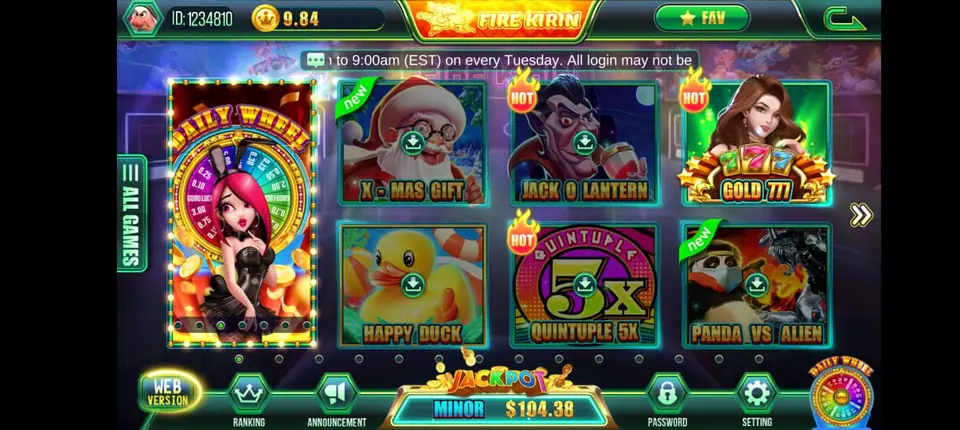
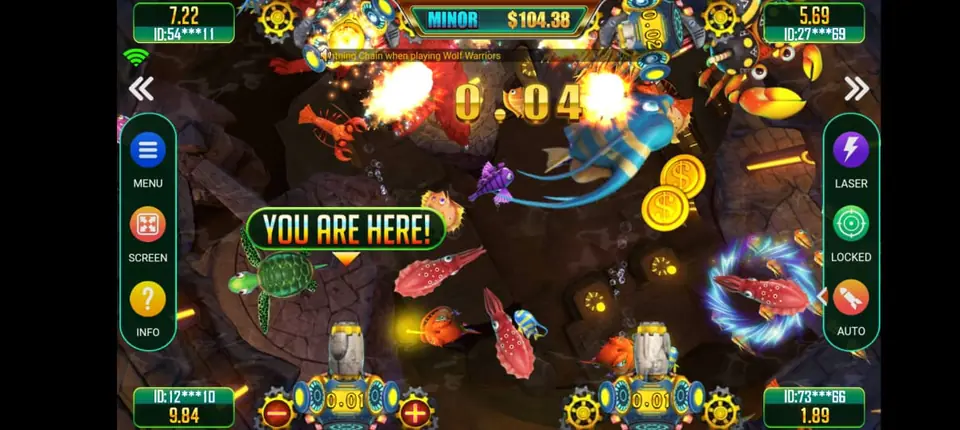
- Look around. Open the lobby, launch a fish table and a slot, then check that the balance matches your panel.
- Redeem the test points back. Confirm the redeem shows in your history, then share the link with players.
Ten minutes of testing beats an evening of confused player messages.
Does a new version change your agent backend?
Usually not. The player app and the agent panel are separate. A new app build changes what players see. Your agent backend keeps the same balance, the same player list and the same history.
That means you do not need to rebuy points or recreate players after an app update. Players sign in with the username and password you already gave them.
If you are new to the panel side, our guide to the Fire Kirin backend and agent accounts explains loading, redeeming and the daily history check.
Telling players about the update
Players trust the agent who explains things clearly. A short, calm message works best.
- Say what changed in one line, such as a new download link.
- Send the link in a private chat, never in a public post.
- Remind them their login and balance stay the same.
- Warn them not to install apps from search results or app stores that claim to be Fire Kirin.
- Ask them to message you if anything looks wrong after installing.
Pin the message in your group so late players see it too. Need help with the install steps themselves? The Fire Kirin download and setup page on our Fire Kirin site covers Android and iPhone.
When the agent panel address changes
Sometimes the change is on your side. The panel moves to a new link and your old bookmark stops working.
Do not search for the new panel. Look-alike login pages do exist, and typing your password into one can cost you your whole balance. Message us, or check our backend login links page, which keeps the working addresses for Fire Kirin and the other systems we supply.
Once you have the new address, bookmark it and delete the old one so nobody on your team uses it by mistake.
Any Fire Kirin news this week?
We searched for a Fire Kirin release note or announcement before writing. We found download sites and player guides, but no official notice from the last few days about a fresh Fire Kirin build or a moved panel.
Use the steps above as your routine for any future update. If players hear about a new version, ask us and we confirm before anyone installs.
Getting set up on Fire Kirin
Game counts, screenshots and panel details are on our Fire Kirin distributor and agent page. Low on stock after a busy week? Read how to buy Fire Kirin points. Want to run stores under you? See our distributor accounts page. Brand new to selling games? Our become an agent guide covers the basics.
Whether you sell from Lahore, Kathmandu, Manila, Lagos or Texas, the update check works the same way because it all happens online. You always get an empty account to look through before any payment, and every balance is prepaid.
See prices, backend details and screenshots on our Fire Kirin distributor page.
FAQ
Is there a Fire Kirin new version right now?
We found no official notice of a new build in the past few days. Ask us before you share any new download link with players.
Do I need new points after a Fire Kirin update?
No. App updates change the player side. Your agent balance, players and history stay in your backend.
Do players need a new login after updating?
Normally not. They sign in with the same username and password you gave them.
Why do download sites show different Fire Kirin versions?
Those sites are not run by the game or by your supplier, so their numbers and dates often differ. Use only the link your supplier sends.
How do I get a Fire Kirin agent account?
Message us on WhatsApp +1 (724) 466-2790 or email info@gamebridgedistributor.com. We open an empty account for you to check first. Message us for price.
More guides
- Panda Master VIP: What Agents Need to Know
- Buy Juwa Points: A Prepaid Guide for Agents
- Game Vault Sub Distributor: Running a Seller Team
- Orion Stars Sub Distributor: Account Guide for 2026
- Dragon Fury Admin Account: Setup Guide for Agents
- Panda Master Sub Distributor: How the Account Works
- Buy Fire Kirin Points: A Safe Guide for Agents
- Juwa 2.0 Agent Account Setup: Your First Week
- Juwa vs Juwa 2.0: Which Should Agents Run?
- Game Vault 999 vs 777: What Agents Should Know
- How to Become an Orion Stars Agent: Step-by-Step
- How to Become a Panda Master Agent: 2026 Guide
- Vblink to Dragon Fury: Switching Guide for Agents
- How to Become a Fire Kirin Distributor in 2026
- How to Become a Juwa Agent or Distributor
- How to Buy Game Vault Points as a Distributor
- Fire Kirin Backend: How Agent Accounts Work
- Distributor vs Sub Distributor vs Store vs Agent
- Orion Stars Distributor Guide for New Partners