
Fire Kirin Backend: How Agent Accounts Work
Published · Gamebridge API
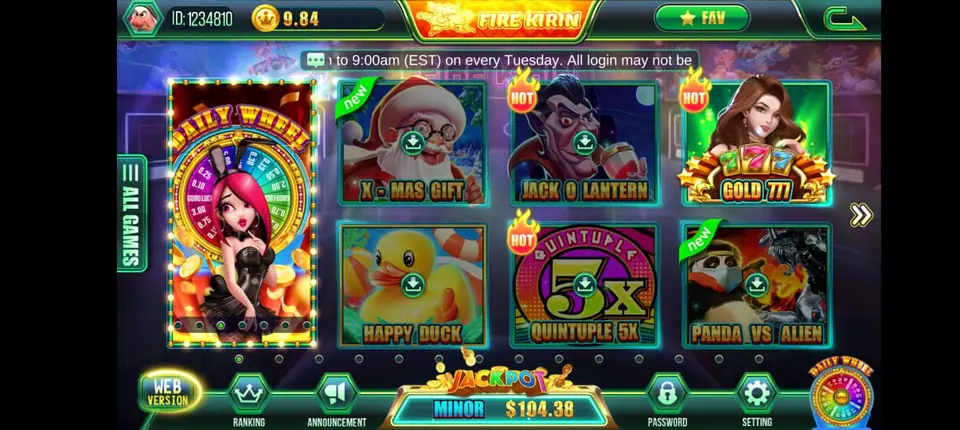
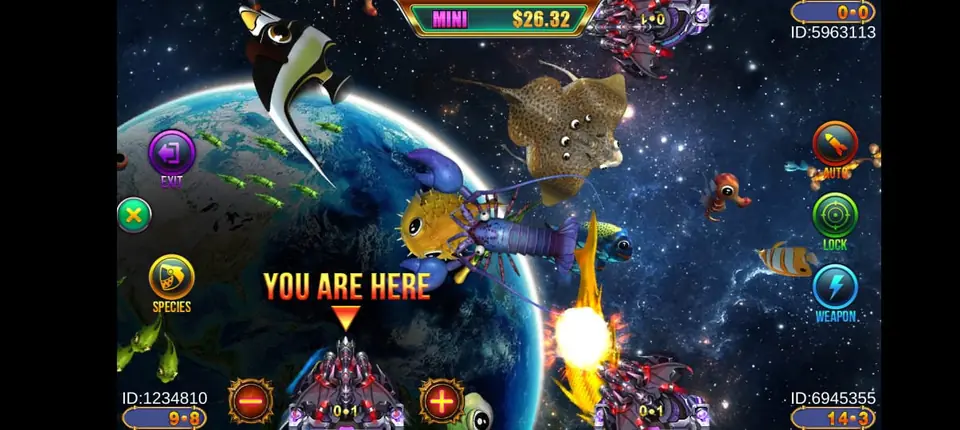
Fire Kirin is known for its fish games. Behind the games sits a backend where agents do all the work. This guide explains what you will find there and how to use it well.
What the backend is
The backend is a web panel. You open it in a browser and log in with your agent username and password. It is where you manage players and credits.
Players never see it. They only use the Fire Kirin app or the browser game.
Logging in
After you buy an account, we send your backend link and login. Save the link in your bookmarks. Change your password on first login.
Fire Kirin's backend is built for US access. If you work from outside the USA, you may need a VPN to reach it. We will tell you what works.
Creating player accounts
Each player gets a unique username and password. You set them in the backend. Pick usernames that are easy for you to track, like a first name plus a number.
Send the login to the player in a private message. Never post logins in a group.
Loading credits
To load, find the player, enter the amount and confirm. The credits leave your agent balance and land in the player account right away.
Double check the amount before you press confirm. A typo can send ten times what you meant.
Redeeming wins
When a player cashes out, you redeem their balance. The credits come back to your agent balance. Then you pay the player the agreed way.
Always redeem in the backend before you pay. That keeps your numbers matched.
Reports and history
The backend keeps a history of loads and redeems. Use it at the end of each day. Compare it to your own notes. If something does not match, you catch it early.
How levels connect
Fire Kirin accounts work in a chain. A distributor account sits on top. Sub distributor and agent accounts sit below. Each level loads the one beneath it.
If you are a distributor, you create agent accounts the same way agents create players. Read more on our Fire Kirin page.
Want to sit at the top of that chain? Our guide on how to become a Fire Kirin distributor walks through each step.
Keeping your account safe
- Use a strong password and do not share it.
- Log out on shared devices.
- Change player passwords when a player stops playing.
- Tell us right away if you think someone else has your login.
A simple daily routine
Start each day by checking your balance. Is it enough for tonight? If not, top up early.
During the day, load and redeem as players ask. Write a short note for each one. At night, open the history report and match it to your notes. Five minutes of checking saves hours of guessing later.
Common backend problems
- Cannot log in: check the link and caps lock first. Then ask us to reset your password.
- Page will not load: try another browser. If you are outside the USA, turn on a VPN.
- Player says credits are missing: check the history for that player. Every load and redeem is listed with a time.
- Balance looks wrong: compare it with your notes, then send us a screenshot.
Fire Kirin and similar systems
Fire Kirin shares its backend style with a few other systems, like Milky Way and Panda Master. Once you know one, the others feel familiar.
That makes it easy to add a second system later without learning from scratch.
See prices, backend details and screenshots on our Fire Kirin distributor page.
FAQ
Can I use the Fire Kirin backend on my phone?
Yes. It opens in a mobile browser, though a laptop is easier for long sessions.
Do I need a VPN?
Only if you access the backend from outside the USA. Inside the USA it usually works without one.
What happens if my balance runs out?
You cannot load players until you top up. Message us and we reload after payment.
How do I get a Fire Kirin agent account?
Message us on WhatsApp or by email. Message us for price.