
Dragon Fury Admin Account: Setup Guide for Agents
Published · Gamebridge API
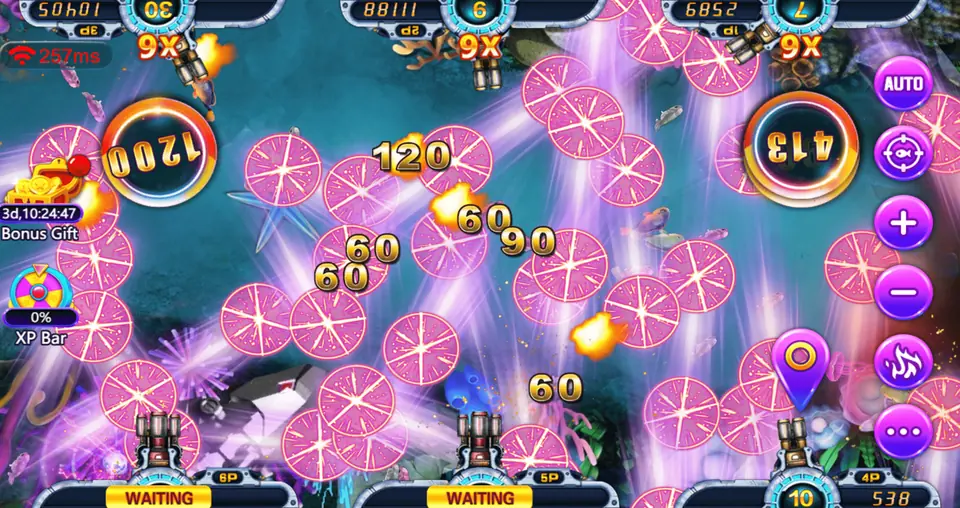
Short answer: a Dragon Fury admin account is the browser login you use to run Dragon Fury as an agent, sub distributor or distributor. From it you create player accounts, load and redeem points, and check history. It replaced the old Vblink admin when Vblink became Dragon Fury. You get one by asking a supplier for an empty login, checking it, then paying for a prepaid balance. Below is what the panel does and how to set yours up the right way.
What a Dragon Fury admin account is
People use a few names for the same thing: admin account, admin panel, backend or agent login. They all mean the web page where the business side of Dragon Fury happens. Players never see it.
Whale Sweepstakes describes the Dragon Fury admin terminal as browser based, with no download needed, and says access is given after the first payment. That matches how we hand out logins too. You get an address, a username and a password, and you sign in from Chrome or Safari.
If you are searching for a Vblink admin account, this is the page you need. Vblink now goes by Dragon Fury, and new admin logins are opened on Dragon Fury only.
What you can do inside the admin panel
The panel is built around a few daily jobs. Once you have used it for a day, the layout feels natural.
- Create players. Pick a username and a starting password for each new customer.
- Load points. Move points from your balance into a player account after they pay you.
- Redeem. Take points back out of a player account when they cash out with you.
- Reset passwords. Help a locked out player get back in.
- Check history. See every load and redeem with a time stamp.
Sub distributor and distributor logins add one more tool: creating agent or store logins under you and moving points into them. Our distributor vs sub distributor vs agent comparison explains which level fits your plans.
How to get a Dragon Fury admin account
Opening an account takes a few messages and no paperwork. The order below protects your money.
- Message us. Write "Dragon Fury admin" on WhatsApp or email info@gamebridgedistributor.com. Mention if you ran Vblink before.
- Pick a level. Agent for one shop or group, sub distributor if you supply others, distributor for a larger network.
- Check an empty login. We send a blank Dragon Fury admin account first. Sign in, click through the menus and create a test player.
- Ask for a quote. Message us for price. Dragon Fury is part of our current promo, and we confirm it in chat on the day.
- Pay, then get points. Every balance is prepaid. We do not sell on credit.
- Refresh and confirm. Reload the panel and make sure the new balance shows before you serve players.
Your first day in the panel
Change the starting password as soon as you sign in. Then save the panel address as a bookmark so you never have to search for it again.
Create one test player and load a small amount to it. Sign in as that player on your phone, open a game, then redeem the points back. Doing one full loop yourself makes it much easier to help customers later.
Keep a simple record
Write down each load and redeem in a notes app or sheet: date, player, points and payment. Compare it with the panel history once a week. Small mistakes are easy to fix when you catch them early.
Old Vblink admin logins and the 2026 rename
Dragon Fury did not appear out of nowhere. A distributor site for the game lists it as one of six platforms renamed when they moved to a 2026 software build. Its rename table pairs Vblink with Dragon Fury, Ultra Panda with Ultra Thunder and EGame with EStar, and it says the old names are no longer in use.
For agents, the practical point is simple. An old Vblink admin username is not a Dragon Fury login. You need a new Dragon Fury admin account and new player accounts. Our Vblink to Dragon Fury switching guide walks through moving your players across.
Keeping your admin login safe
Fake login pages for game panels do get indexed by search engines. Only sign in through the address your supplier sent you. We also keep current addresses on our backend login links page.
- Never share your admin password with players or helpers.
- Give each helper or store their own login if your level allows it.
- Sign out on shared computers.
- Tell us right away if the panel asks for details it never asked for before.
What players get from you
Players only need three things: a username, a password and a working way in. Dragon Fury runs on Android, iPhone and the web, so most customers can play on the phone they already have.
Send them the download or web link your supplier gives you. Do not tell players to search app stores for it. If someone mentions an old Vblink app, point them to the Dragon Fury link instead.
Is there new Dragon Fury news this week?
We checked recent Dragon Fury coverage before writing. We found supplier pages describing the rename and the browser admin panel, but no dated announcement from the past few days about a new version or a changed panel. Treat this as a standing setup guide.
If players report an update prompt, message us first and we will confirm the right link.
Start with Dragon Fury
Our Dragon Fury distributor and agent page has screenshots, the game list and the account levels. For panel specifics, see the Dragon Fury backend guide. Planning to supply other sellers? Read about distributor accounts.
New to this business? Our guide to becoming a game agent covers the basics. When you are ready, send a WhatsApp and we will set up the empty Dragon Fury login for you to check before any payment.
See prices, backend details and screenshots on our Dragon Fury distributor page.
FAQ
What is a Dragon Fury admin account?
It is the browser login agents, sub distributors and distributors use to create player accounts, load and redeem points and check history.
Is the Dragon Fury admin the same as the Vblink admin?
Dragon Fury is the new name for Vblink, but old Vblink admin logins do not carry over. You need a new Dragon Fury admin account.
Do I need to download anything for the Dragon Fury admin panel?
No. The admin panel opens in a web browser on a computer or phone. We send the address with your username and password.
Can I test a Dragon Fury admin account before paying?
Yes. We send an empty Dragon Fury admin login first. You check it, and you pay only once you are happy with it.
How do I get a Dragon Fury admin account?
Message us on WhatsApp +1 (724) 466-2790 or email info@gamebridgedistributor.com and say which level you want.
More guides
- Panda Master Sub Distributor: How the Account Works
- Buy Fire Kirin Points: A Safe Guide for Agents
- Juwa 2.0 Agent Account Setup: Your First Week
- Juwa vs Juwa 2.0: Which Should Agents Run?
- Game Vault 999 vs 777: What Agents Should Know
- How to Become an Orion Stars Agent: Step-by-Step
- How to Become a Panda Master Agent: 2026 Guide
- Vblink to Dragon Fury: Switching Guide for Agents
- How to Become a Fire Kirin Distributor in 2026
- How to Become a Juwa Agent or Distributor
- How to Buy Game Vault Points as a Distributor
- Fire Kirin Backend: How Agent Accounts Work
- Distributor vs Sub Distributor vs Store vs Agent
- Orion Stars Distributor Guide for New Partners